Learning center
Learn Lawnzie in minutes
Short how-to videos for lawn care pros — each with a written step-by-step version underneath.
Lawnzie Live
Free live training, Tuesdays 7:00 pm ET
Do one thing in the app with Ron on screen, then ask anything.
Start here
The five lessons, in order
Same order as the live sessions. Lesson 1 gets you paid this week; the rest build on it.
Get paid this week
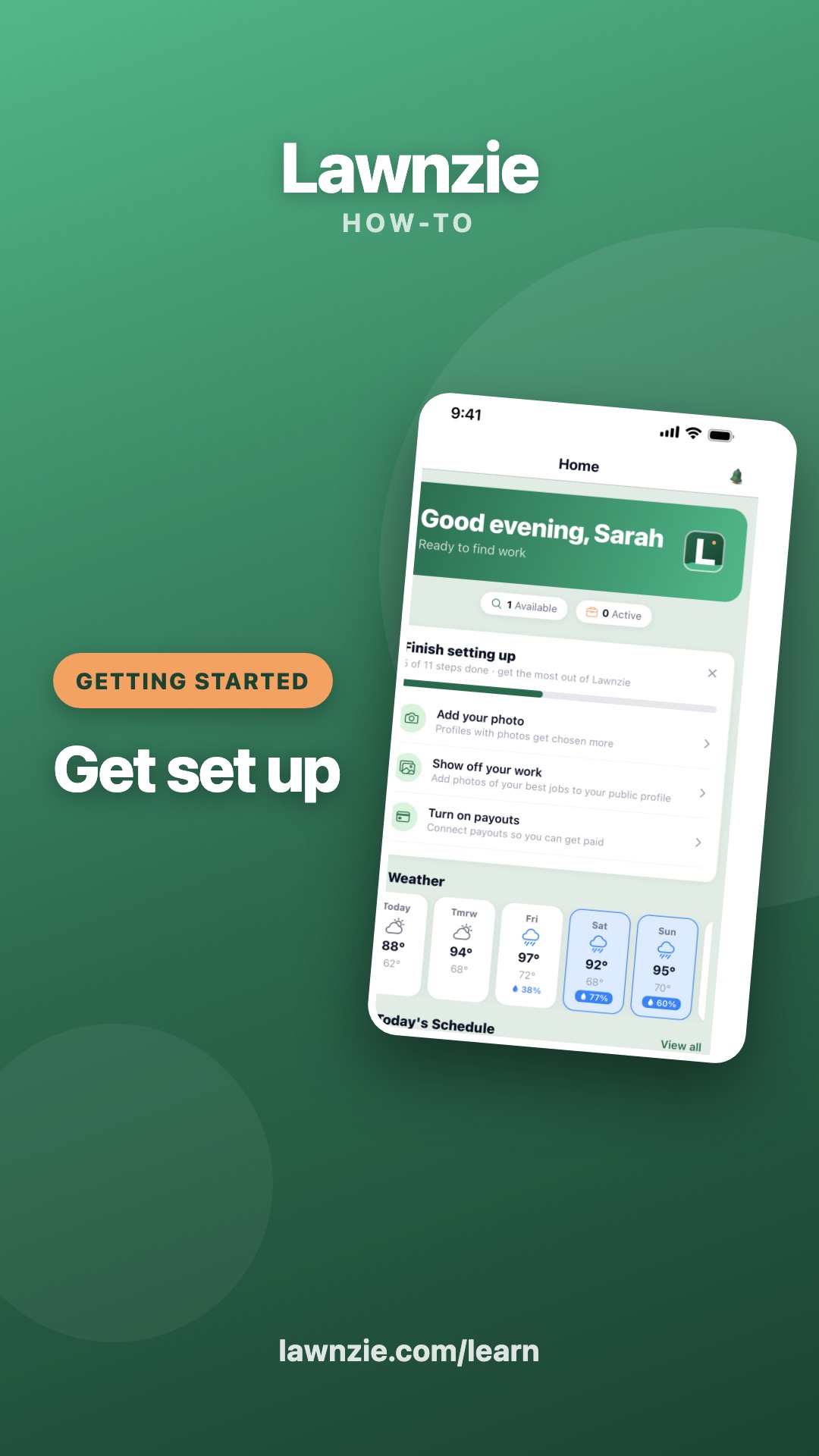
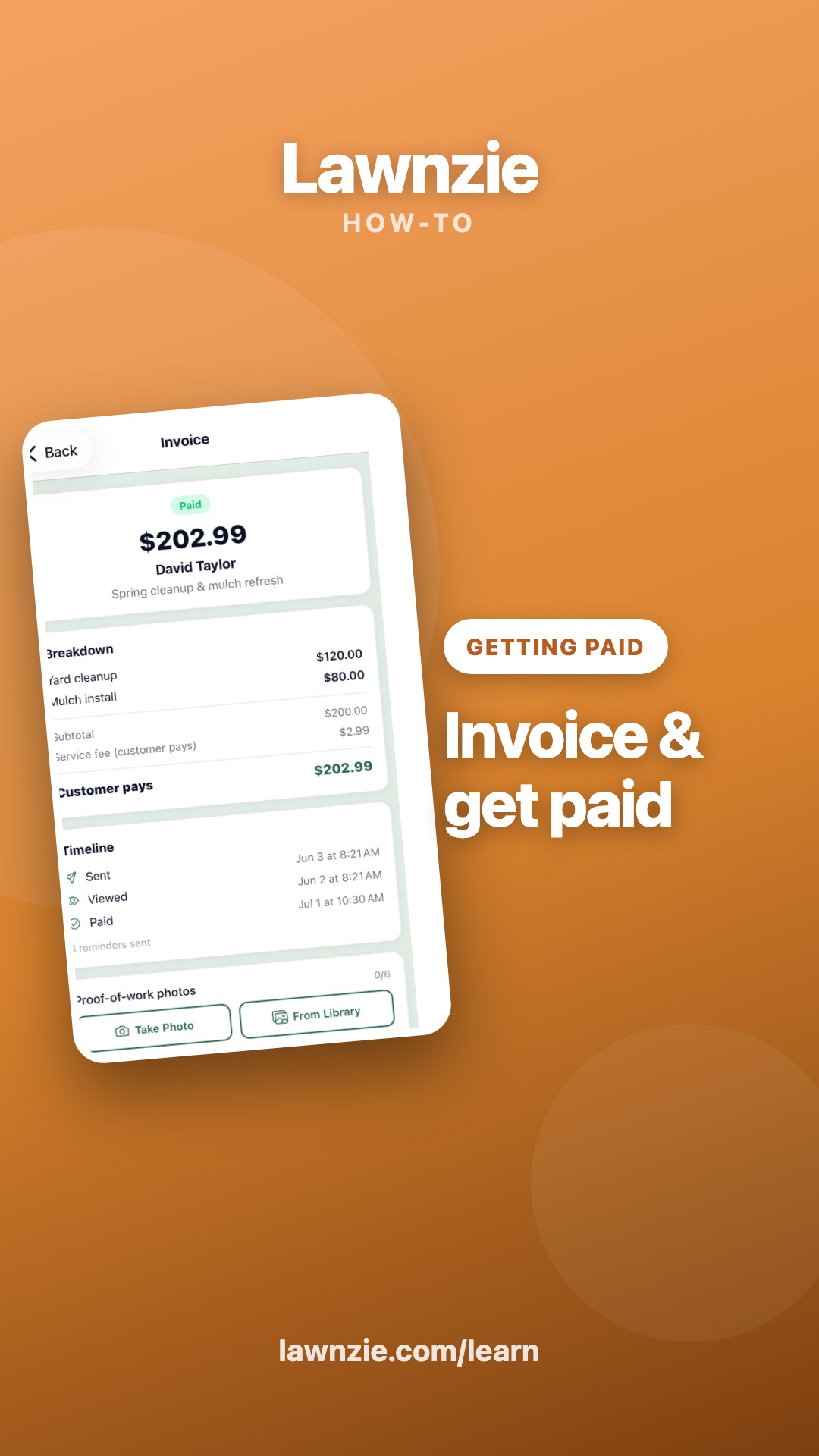
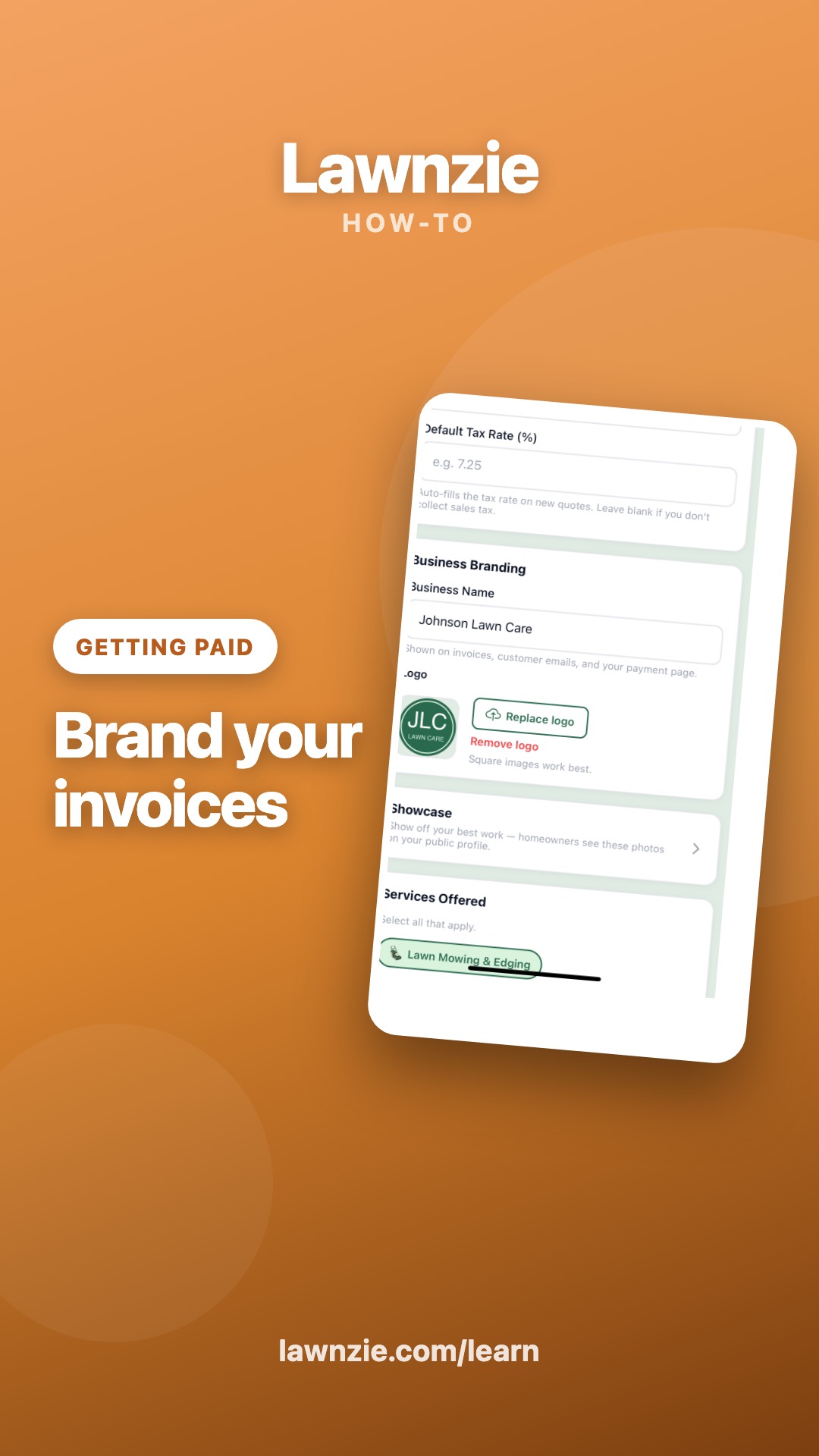
Turn on payouts, bring your customers, and send one real invoice with a pay link — money can land in your bank this week.
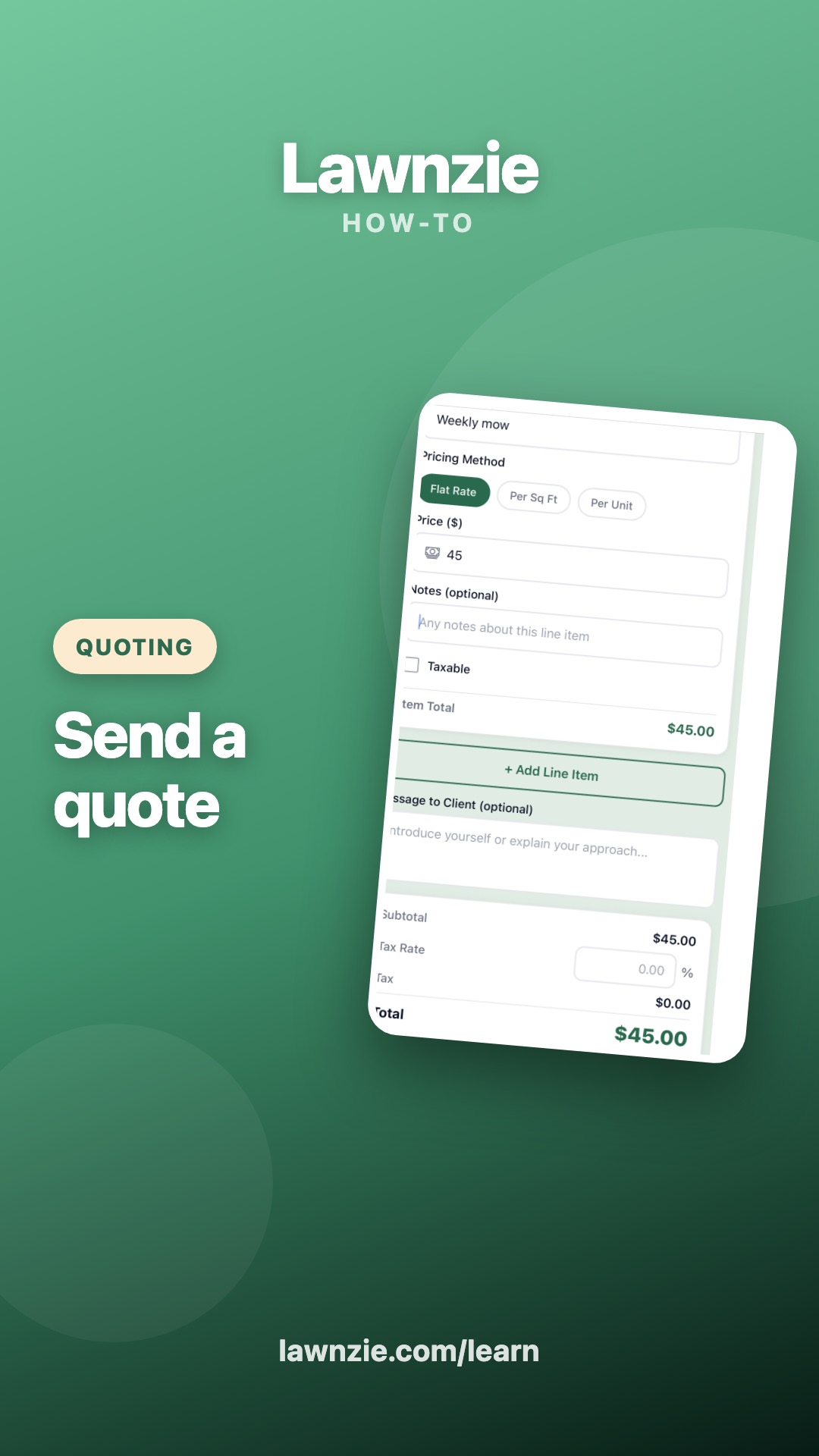
Quotes to cash
Send a quote your customer accepts in one tap, and know what happens from acceptance to the money landing.
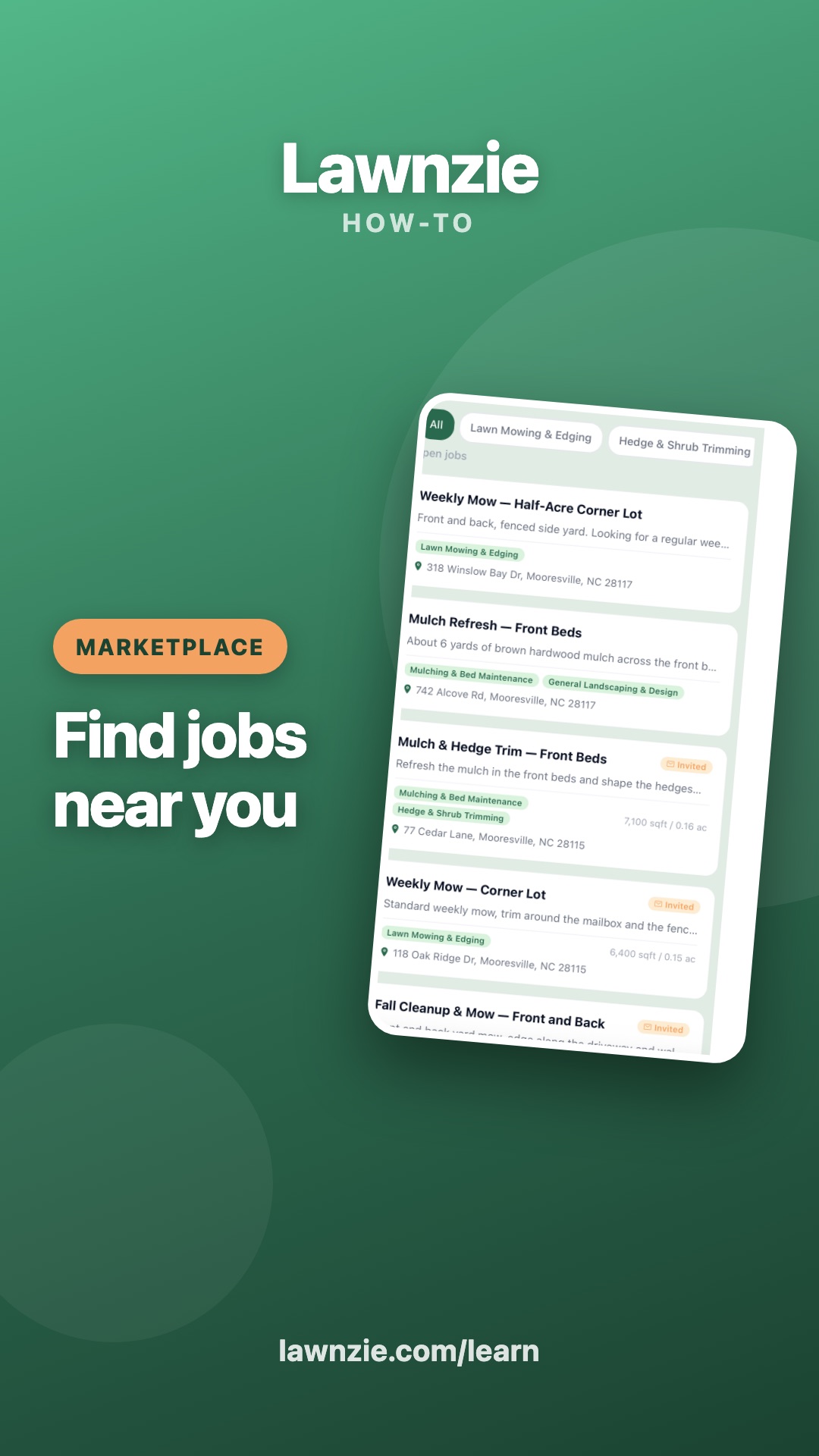
Win the marketplace
See jobs in your Job Feed, know exactly what a homeowner sees before picking you, and do the three things that move you up the list.


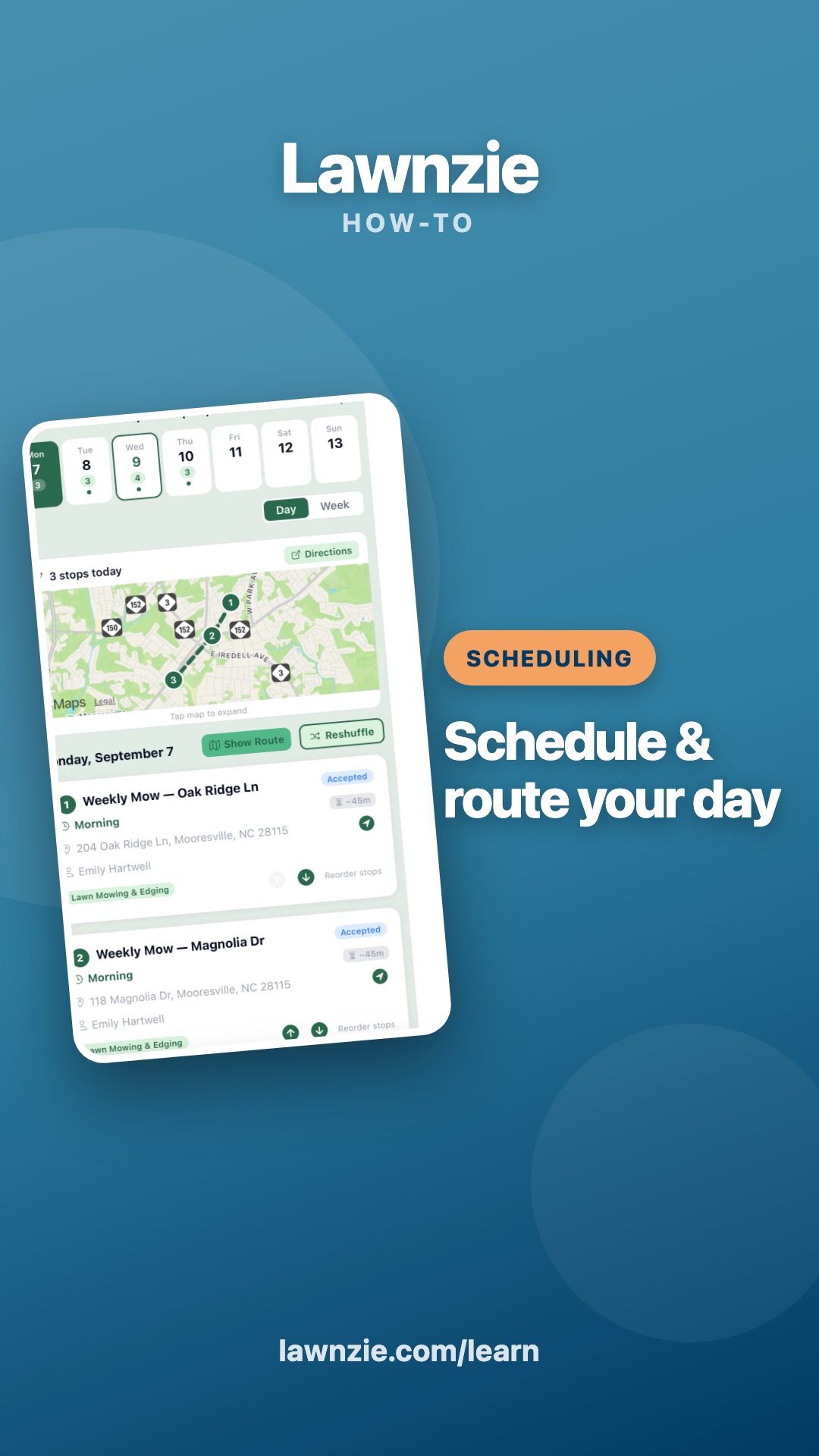
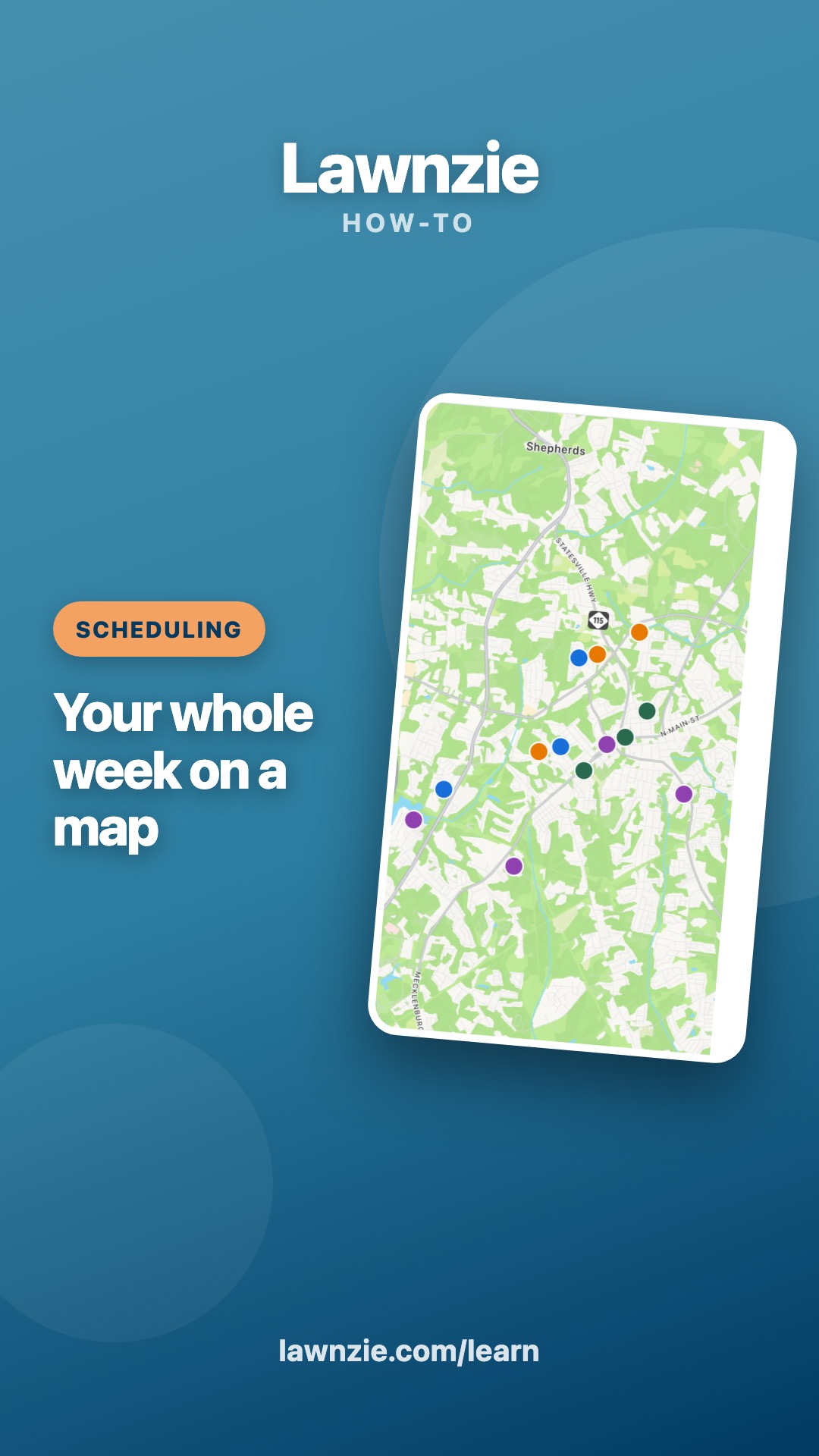
Run the day
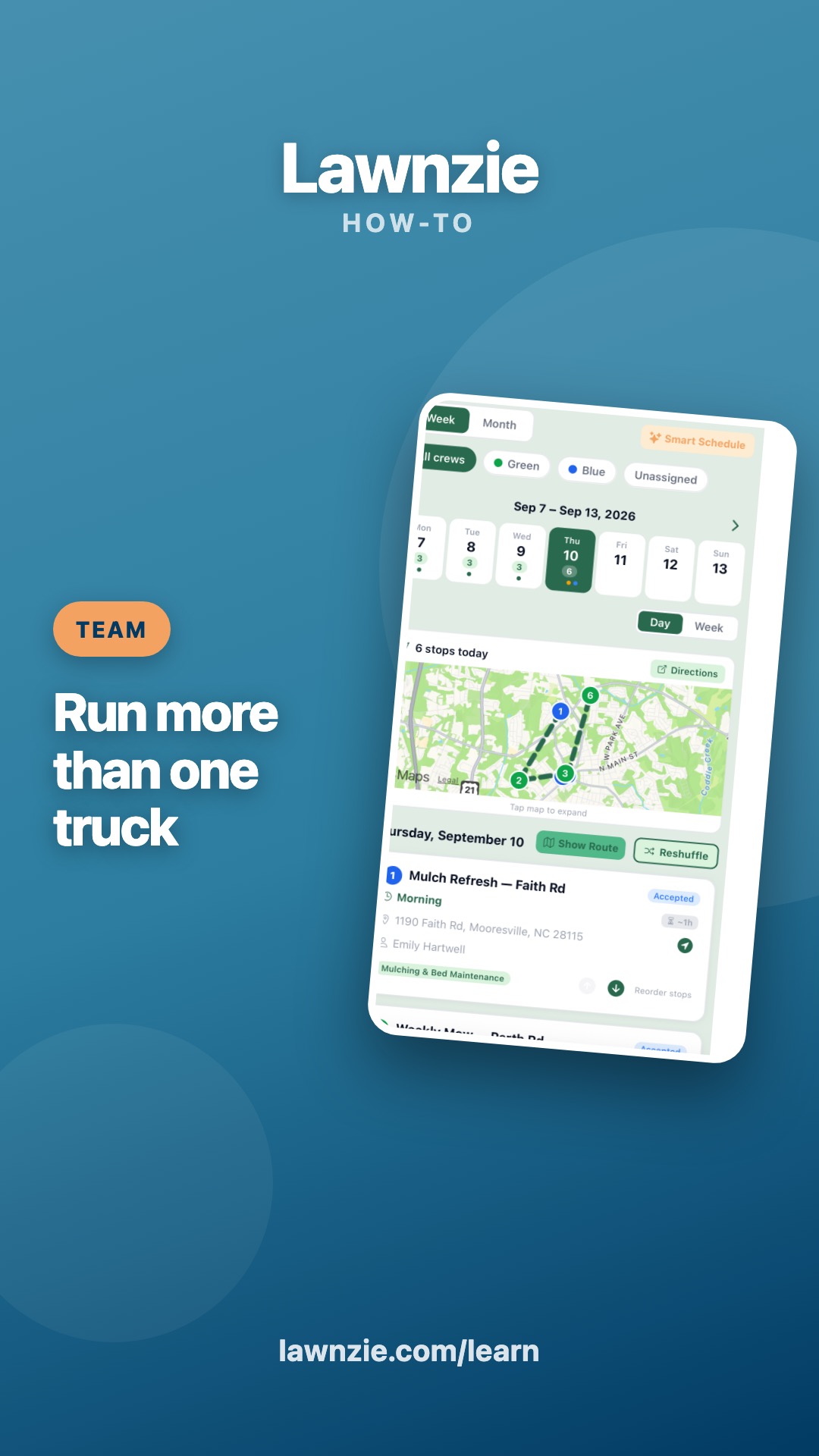
Run your week from the Schedule tab: every visit on a map, moved in a tap, ordered by drive time, rain days handled without a phone call.
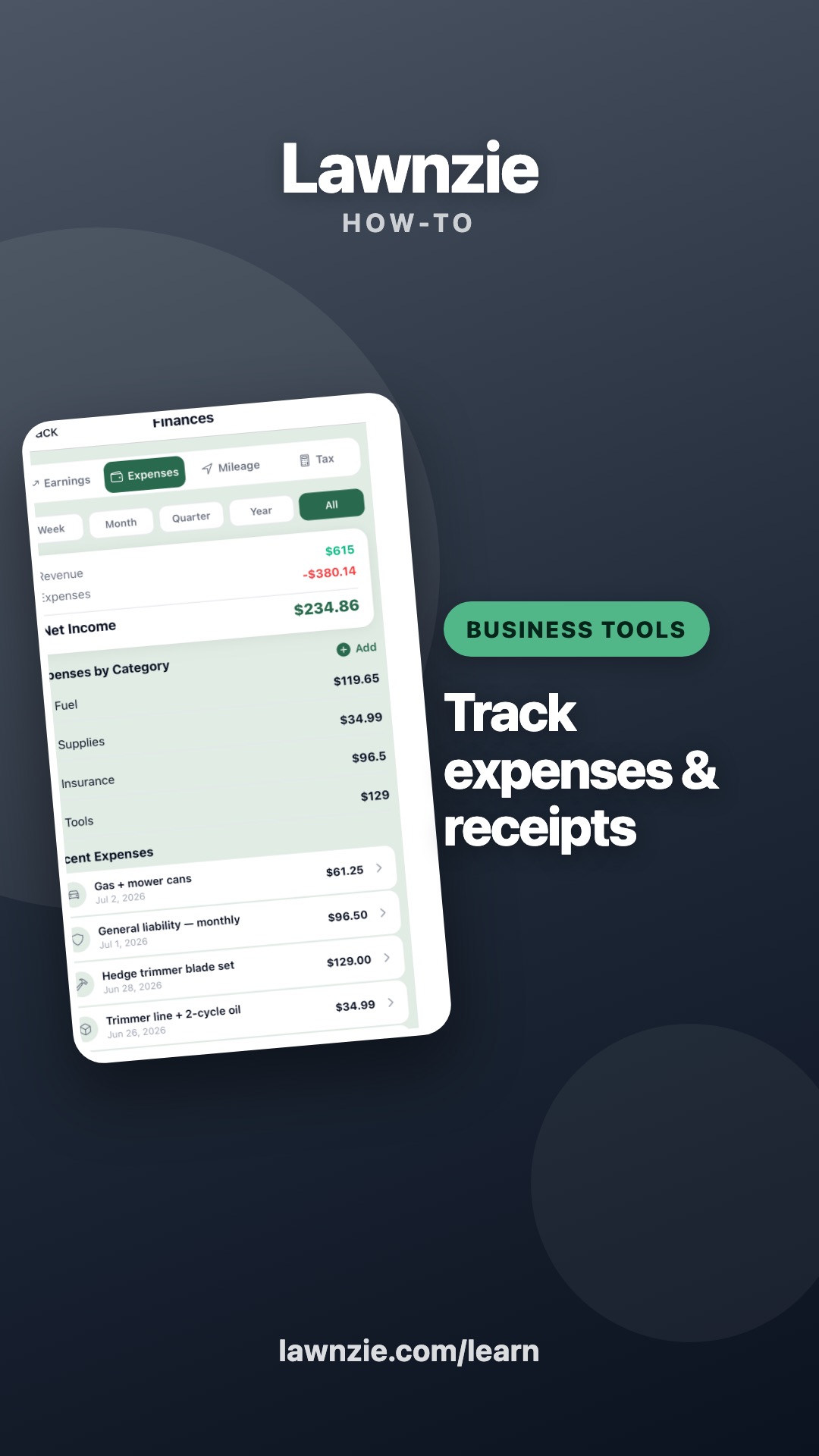
Know your numbers
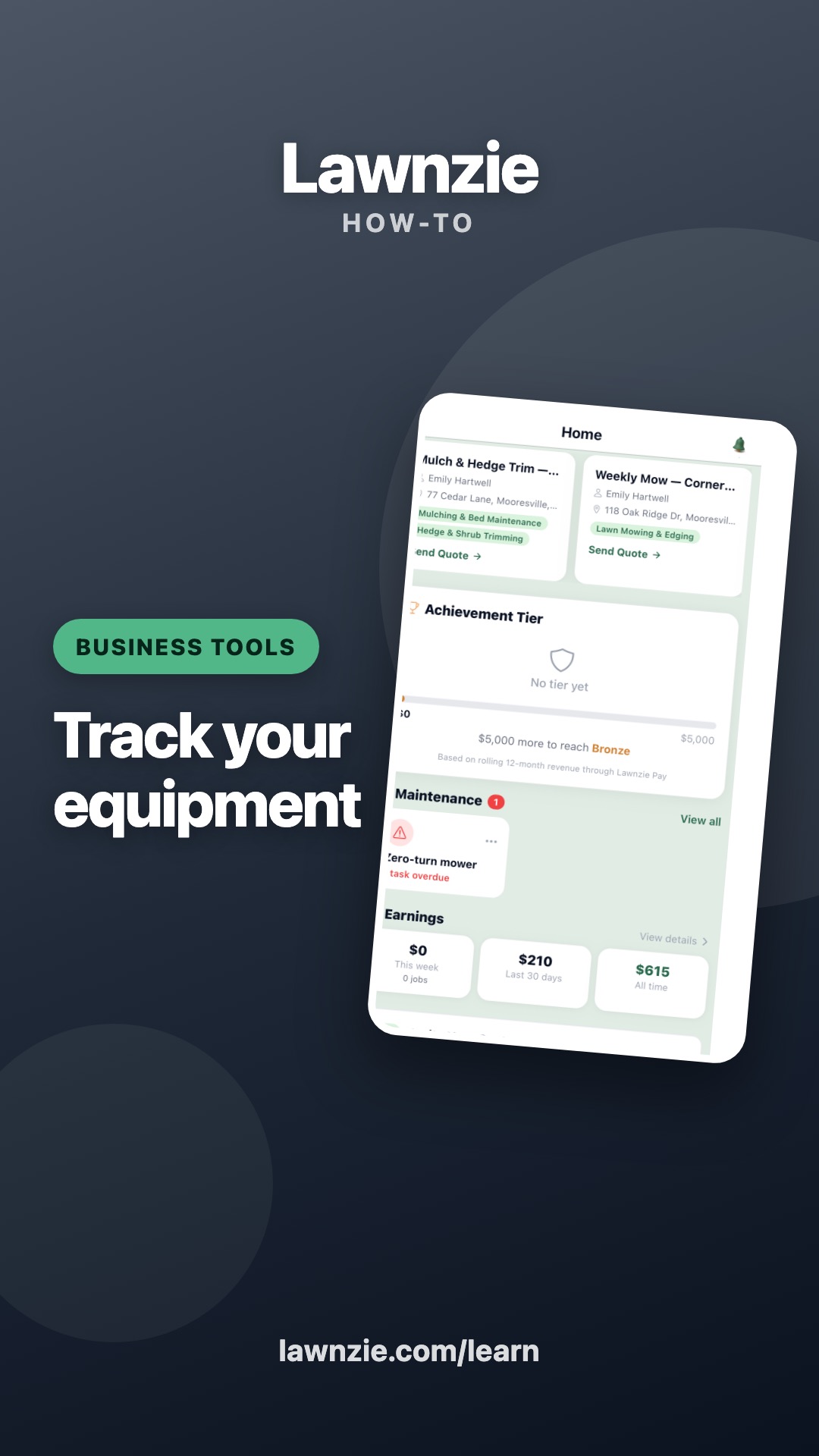
Log expenses by scanning receipts, see real profit, keep your equipment on a maintenance clock, and hand your accountant a CSV.
Browse by topic
Every video
How you get paid
Two ways to collect — one is faster
Customers who aren't on Lawnzie pay through a secure link in their email or texts. Customers on Lawnzie pay with a saved card in two taps. Same secure Stripe payout to your bank either way.
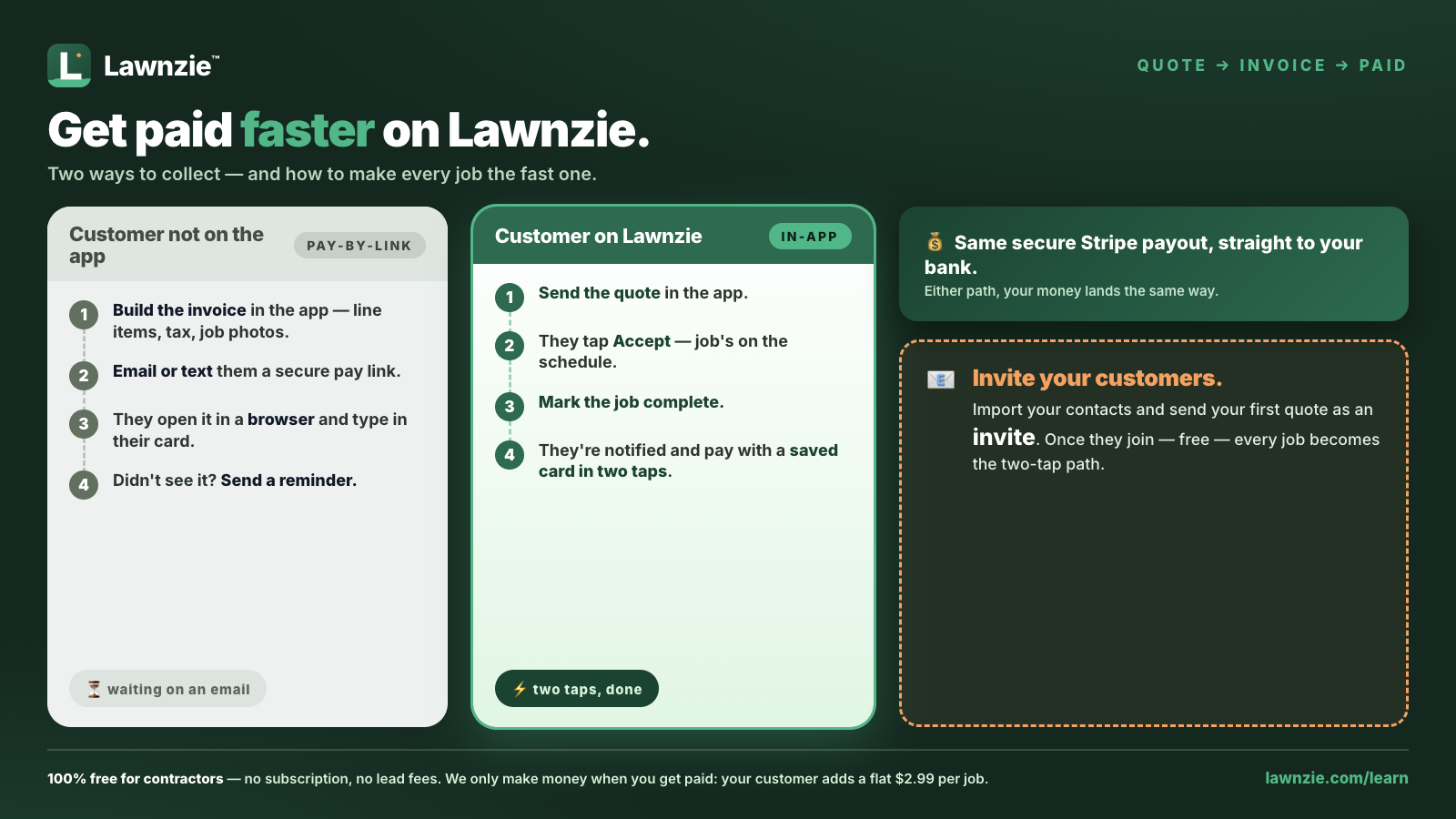
The fast path starts with bringing your customer book. See how to import your customers from QuickBooks, Jobber, and more — then send your first quote as an invite.