Switching Software Mid-Season Without Losing a Thing
Stuck on your old app because of your records? Here's how to move your customers, schedule, open invoices, and history to Lawnzie — and how we'll do it for you.

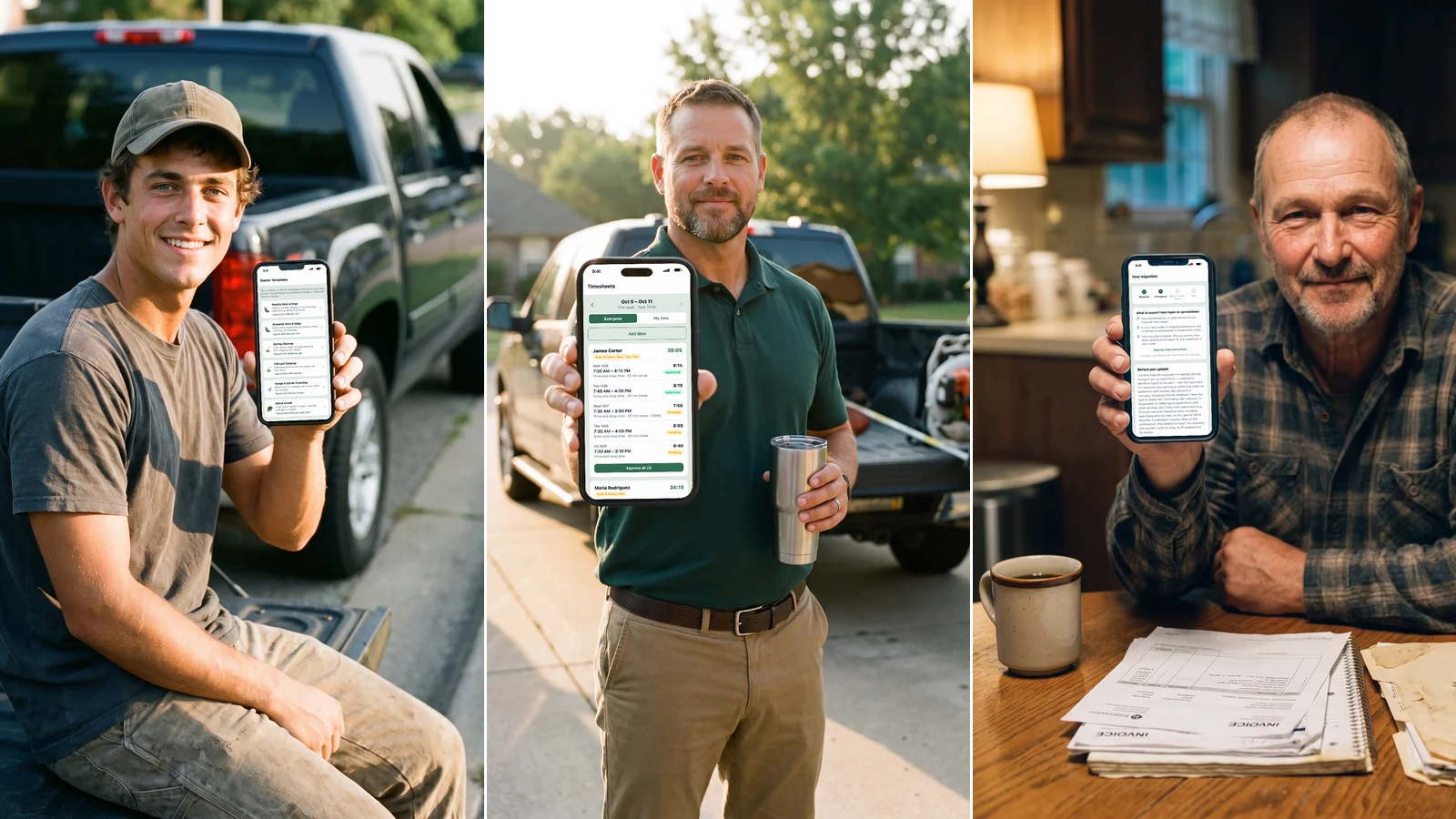
Most lawn care pros who dislike their software keep using it anyway, because their customers, their recurring routes, their open invoices, and years of job history are locked inside it — and rebuilding all of that by hand sounds worse than putting up with the software for one more season.
Why pros stay on software they don't like
It's rarely about the interface. It's about what's riding on it: the credits you owe a few customers from a rained-out visit, the exact order your recurring route runs in, the invoices still waiting on payment, and years of history that prove what you've charged and when you've been paid. Walking away from an app usually means walking away from all of that, so most pros don't. They just keep paying for software they'd rather not use.
What moves over
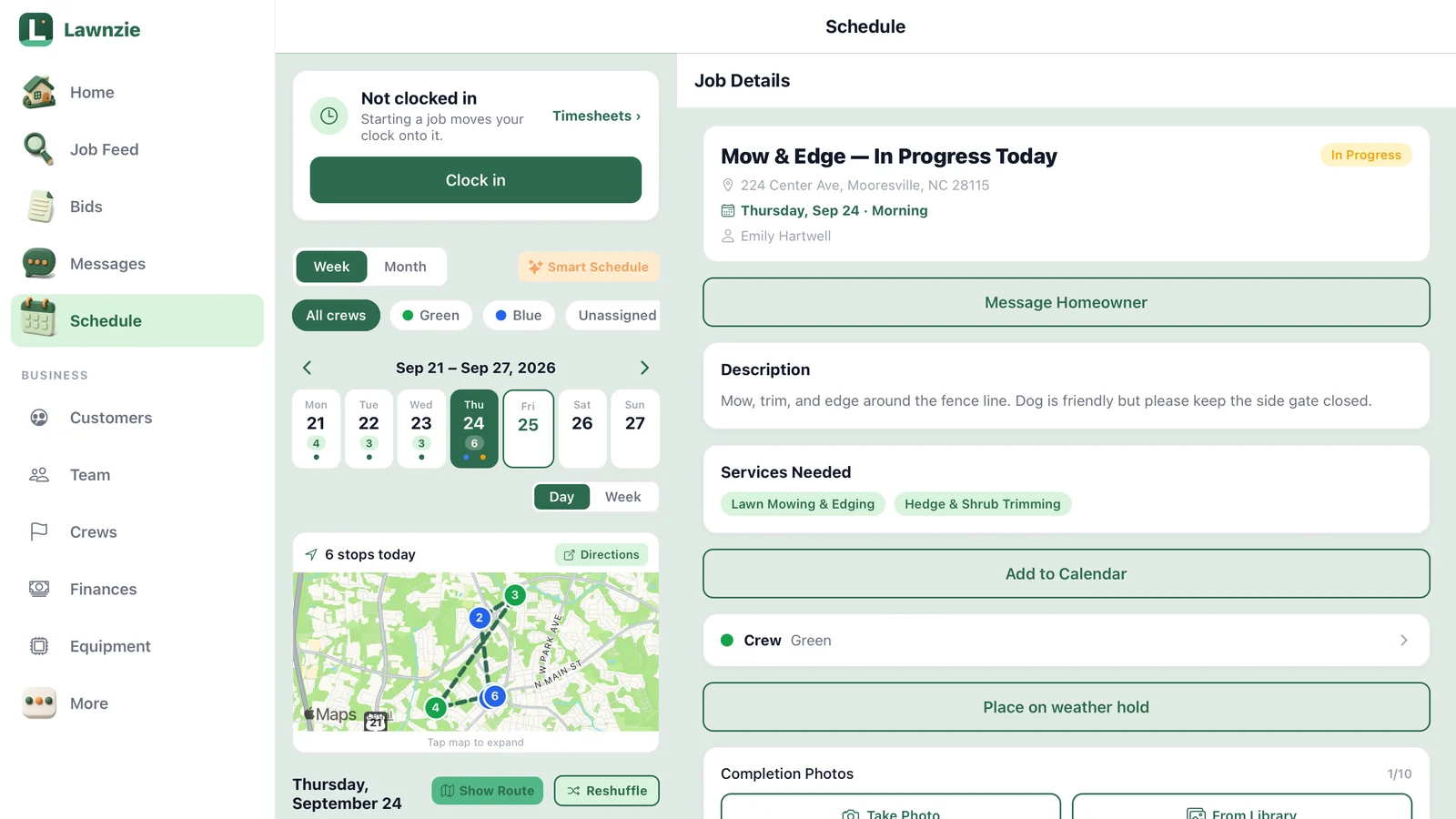
When you switch with us, we bring over your customers and their properties, your recurring schedule and prices, unpaid invoices, open quotes, credits you owe customers, your past invoices and payments, job photos, your services and price list, and your expenses. We bring over everything your old app lets you export — if something can't be exported, we'll tell you up front and help you capture it another way.
How it works
- Tell us about your business — a short form that takes about two minutes.
- Start Business+ (free 30-day trial).
- Export your files from your old app and upload them in the Lawnzie app.
- We import your records.
- You check the totals against your old app.
- Cancel your old app.
We accept exports from Jobber, Square, QuickBooks, Housecall Pro, Yardbook and more.
You export, we import
We never ask for your old login. You export what your old app lets you export — a CSV of customers, a PDF of open invoices, whatever format it gives you — and upload it in the Lawnzie app. From there, it's on us: we read the files and build out your customers, schedule, and records inside Lawnzie. If your old app won't export something — a recurring schedule some tools only show on screen, or photos buried in a job log — we'll flag exactly what's missing and help you fill the gap, usually with a spreadsheet or a few screenshots.
Before you cancel anything, you check our totals against your old app yourself — same customer count, same open balance, same history. Only then do you let the old subscription go.
Free with Business+, limited slots each month
White-glove migration is included with Business+, even during your free 30-day trial — there's no separate charge for the move itself. We take a limited number of migrations each month so every one gets done carefully instead of rushed through a queue. If you'd rather move your own records at your own pace, our free step-by-step switching guide covers the same ground without the form.
Stuck on your old app because of your records? That's exactly why we built this. Tell us about your business and we'll take it from there.
Frequently asked questions
Do I have to keep paying for my old app while I switch?+
No. Once your records are in Lawnzie and the totals match, you can cancel. Keep your export files as your own backup.
What does white-glove migration cost?+
It's free with Business+, including during your free trial. We take a limited number of migrations each month.